Problem
We live in a world where you can order food, hail a ride, and stream a movie in seconds.
So why does sending money still feel like a chore?
In today’s world, sending money means opening apps, digging through menus, and let's not forget the endless taps and confirmations before your friend actually gets paid.

Seven steps for something that should feel instant.
to your identity.


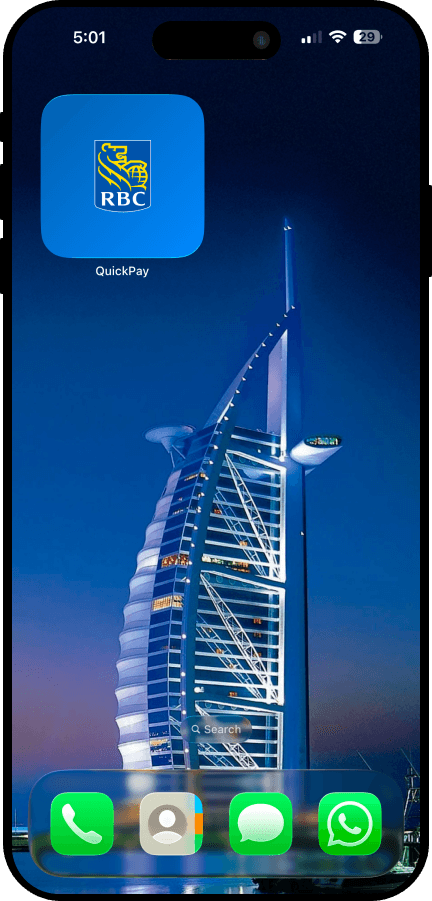
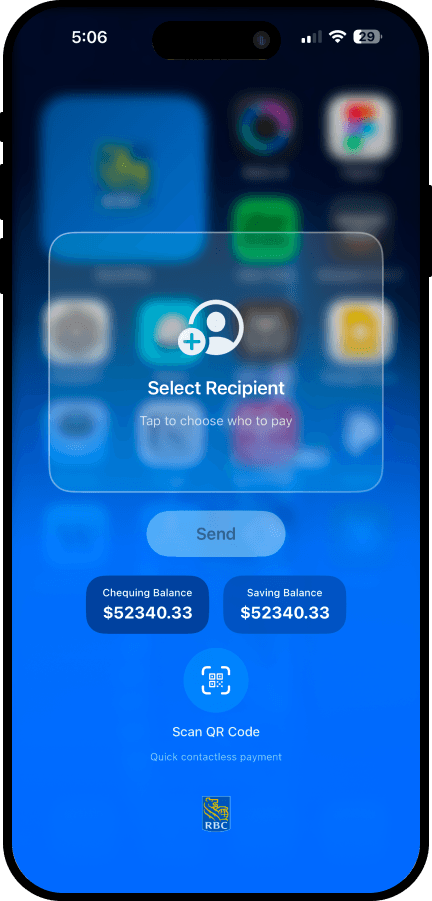
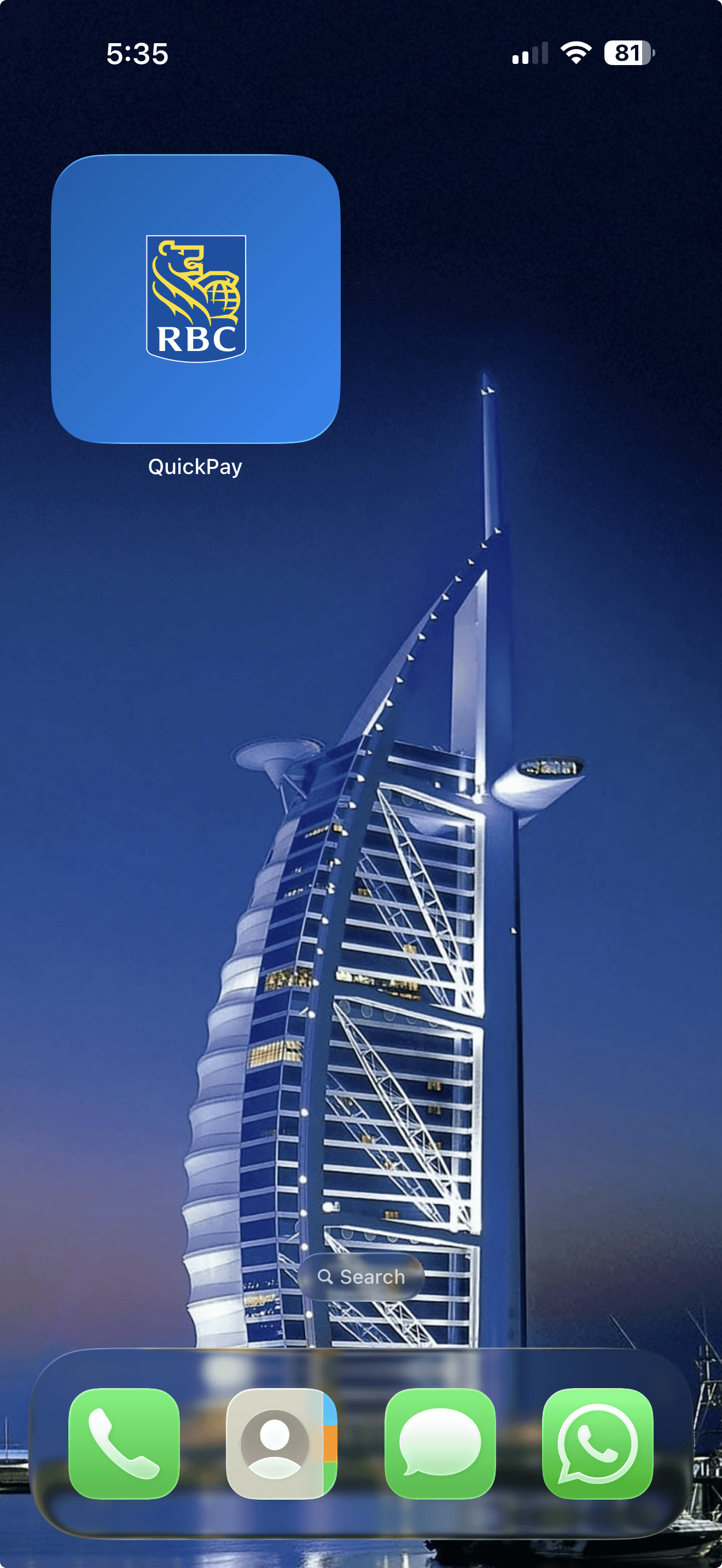
That's where this concept comes in. With a simple widget on your home screen, you can send money directly with a tap. No endless screens, no repetitive steps. Just tap, confirm, done.

The only thing left to figure out? Who's paying for coffee tomorrow.
Identifying the Gaps
But when it came to sending money quickly, I noticed two gaps:

How the User Journey Changed
Final Screens
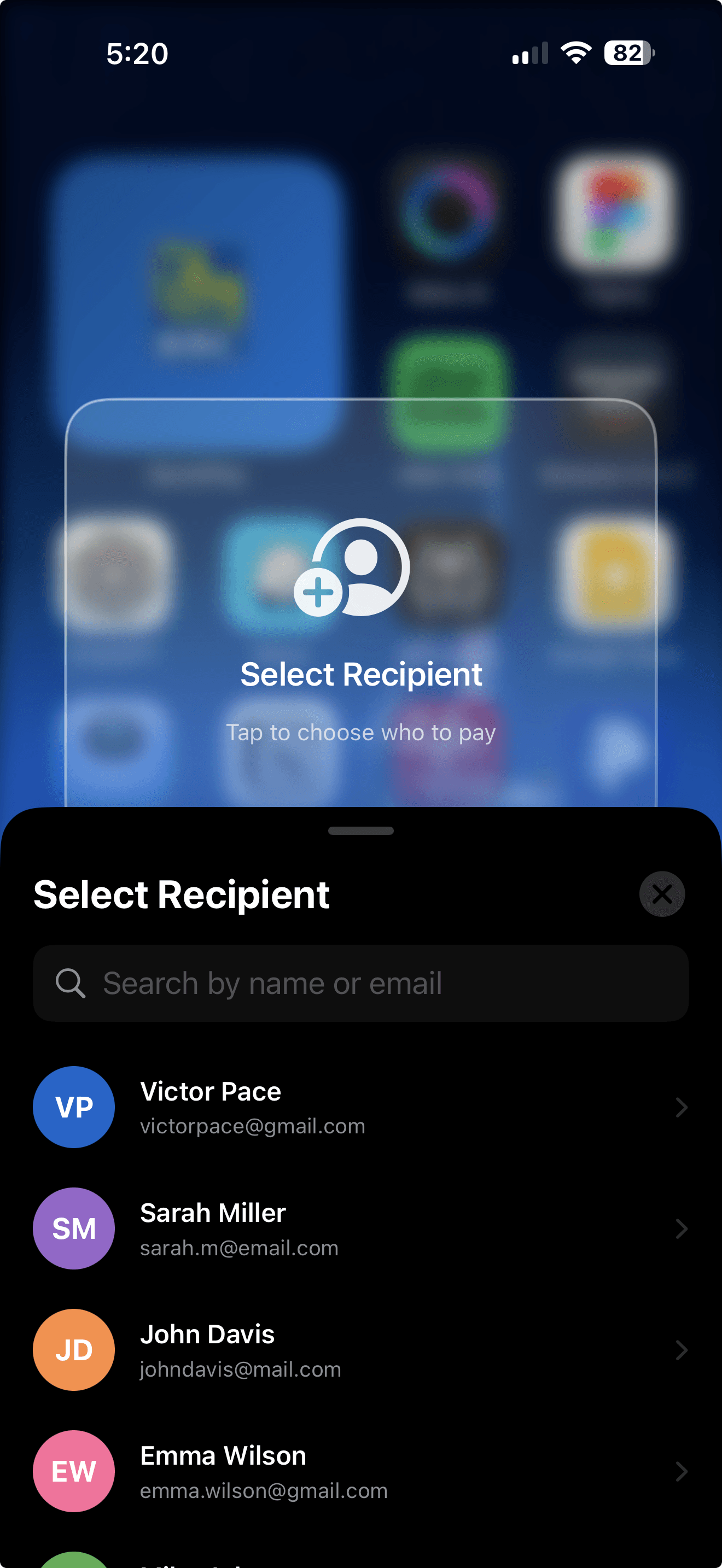
A 4-Step Process to Send Money Quicker
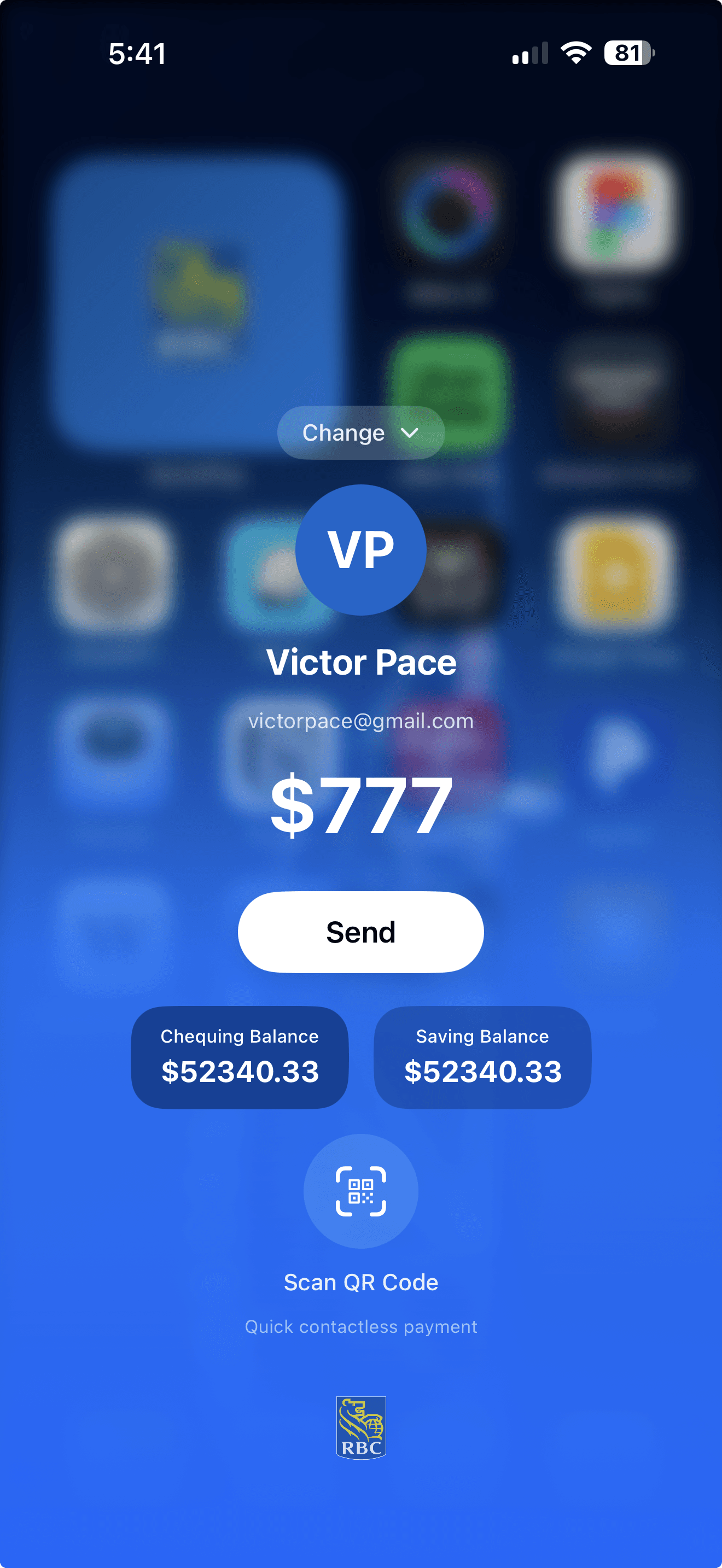
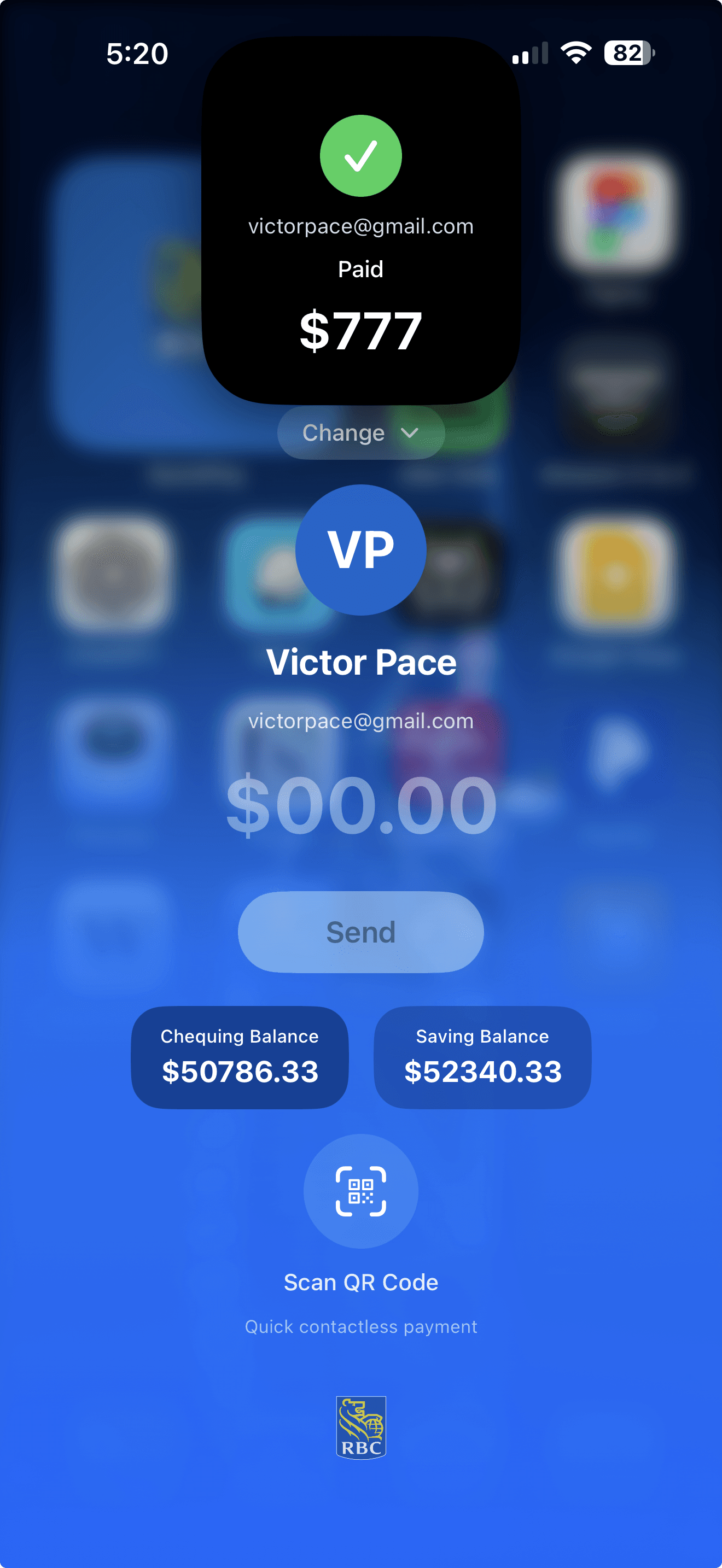


Key Features
Your home screen is the key to unlocking faster payments.
With this widget, you can send money in the following ways:

IMPACT
Faster payments, fewer frustrations.
By bringing payments to the home screen, this concept transforms how users interact with their money. Less time navigating, more time doing what matters.
Trust without trade-offs 🤘🏻
Send money the way you unlock your phone. No extra steps, no second-guessing. Just you, verified instantly.
Face ID keeps every transaction secure. Users get speed without sacrificing the safety they expect.

Send Money Instantly. 40% quicker transactions when friction disappears from the flow.
2 Steps Removed. 2x Faster. A typical Interac
e-Transfer takes 45+ seconds. This widget does it in under 20. That's 25 seconds saved per transfer across 16 million monthly users in Canada, that's over 4,600 hours given back every single day.